MCP Server Stands For Model Context Protocol Explained
If you searched “mcp server stands for” you want the short answer first. MCP stands for Model Context Protocol. It is an open standard that defines how applications expose tools and data to large language models through a unified client server interface. Think of it as a universal adapter so your LLM does not need a custom integration for every database API or internal service.
I have been running FastAPI services in production for years. The pattern of writing bespoke function calling schemas for every new model provider gets old fast. MCP promises to fix that. Below I break down the architecture the trade offs and a minimal FastAPI implementation you can actually run.
What MCP Stands For and the Problem It Solves
MCP stands for Model Context Protocol. The problem is fragmentation. Today if you want an LLM to query your Postgres database you write a custom function schema for OpenAI a different one for Anthropic and maybe a third for your local Llama deployment. Every time the model provider changes their function calling format you rewrite glue code.
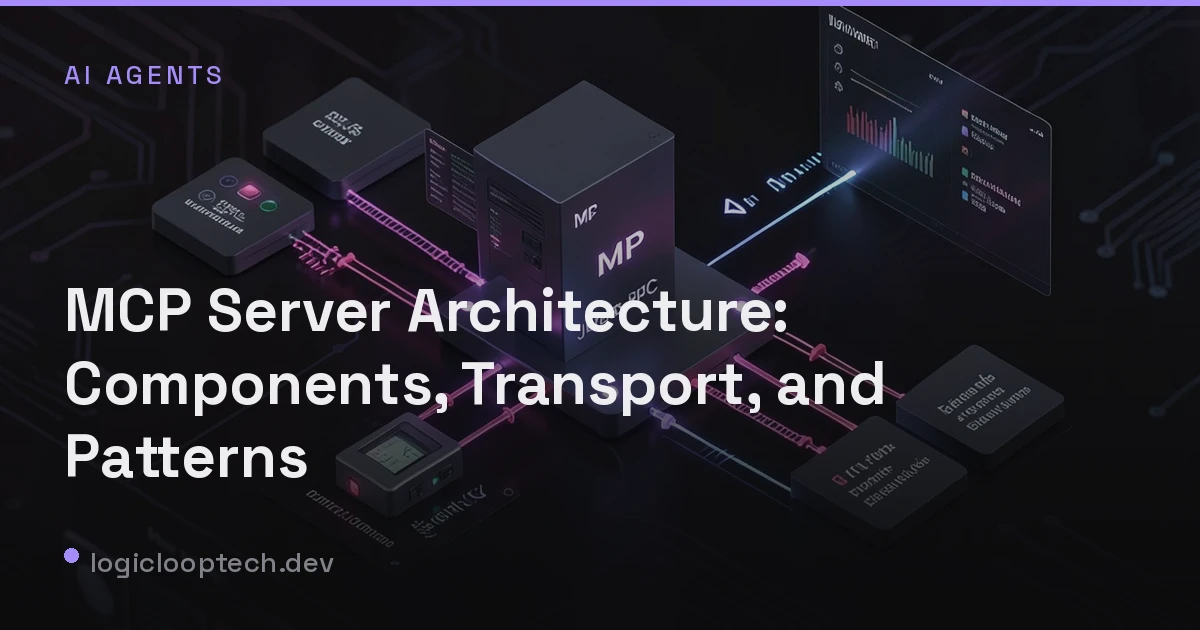
MCP moves that complexity into a standardized server. The server exposes capabilities tools resources and prompts through a defined JSON RPC interface. The client your LLM application speaks the protocol once. Add a new tool on the server side and every compliant client can use it immediately. I covered the component breakdown in depth in MCP Server Architecture: Components, Transport, and Patterns if you want the full topology.
Core Architecture: Servers Clients and Transports
The architecture has three main pieces. The MCP Server hosts the actual capabilities. It can be a standalone process a sidecar or embedded in your existing FastAPI app. The MCP Client lives inside your LLM application. It discovers capabilities negotiates protocol version and invokes tools. The Transport carries JSON RPC messages between them.
Two transports are standardized today. stdio launches the server as a subprocess and communicates over stdin stdout. This is the default for local development and CLI tools. Streamable HTTP runs the server as a long lived HTTP endpoint using Server Sent Events for server to client streaming and POST for client to server requests. This is what you use in production behind a load balancer.
I run the HTTP transport in Kubernetes. It lets me scale the MCP server independently from the LLM inference workers. The stdio transport is simpler for local scripts but you lose horizontal scaling and observability.
How MCP Differs From Traditional REST APIs and Function Calling
This is the question I hear most. A REST API returns data. An MCP server returns capabilities. The distinction matters.
With REST your LLM client needs to know the endpoint the HTTP method the auth scheme the request schema and the response schema for every single API. You bake all that into function calling definitions. When the API changes you update every client.
With MCP the server advertises tools/list and tools/call. The schema lives on the server. The client asks “what can you do” gets back a list of tools with JSON Schema parameters and invokes them by name. The protocol handles pagination progress notifications and cancellation out of the box.
Function calling is a model provider feature. MCP is a protocol. You can run MCP over stdio with a local model that has zero function calling support. The client parses the tool result and feeds it back into the prompt manually. That flexibility is why I prefer MCP for polyglot model environments.
For a deeper comparison see MCP Server vs API: When to Use Each for LLM Tooling.
When to Use MCP vs Custom Tool Integrations in Production
Do not reach for MCP everywhere. Here is my heuristic.
Use MCP when:
- You serve multiple LLM clients (web chat CLI agent IDE plugin) and want one integration surface.
- Your toolset changes frequently. Adding a tool should not require redeploying the LLM application.
- You need to expose internal services to external partners without giving them direct network access.
Stick with custom function calling when:
- You have a single LLM application and a stable toolset. The protocol overhead is not worth it.
- You need ultra low latency. The JSON RPC framing adds a few milliseconds per call. In a hot path that adds up.
- Your tools are simple one offs that will never be reused.
I made the mistake of wrapping a high frequency cache invalidation tool in MCP. The round trip through the protocol added 15ms p99. Moved it back to a direct gRPC call. Know your latency budget.
Security Considerations: Authentication Authorization and Sandboxing
MCP does not mandate an auth scheme. That is both a feature and a footgun. In production you own the transport layer so you own auth.
For HTTP transport I terminate TLS at the ingress controller and validate a JWT in a FastAPI dependency. The token carries scopes like tools:read tools:execute:database resources:read:config. The MCP server enforces scopes per tool. If the client calls tools/call with drop_database and the token lacks tools:execute:admin the server returns a JSON RPC error with code -32603 and a clear message.
Stdio transport is trickier. The client launches the server so the client controls the environment. You rely on OS level sandboxing: run the server in a container with no network egress read only filesystem and a dedicated uid. Do not run untrusted MCP servers as root. I learned that the hard way when a community server tried to read my .aws/credentials.
Audit logging is non negotiable. Log every tools/call with user id tool name parameters hash and result status. You will need it for debugging and compliance.
Minimal FastAPI Implementation to Expose a Tool Via MCP
Here is a working example. It uses the official Python SDK and runs over Streamable HTTP. You can drop this into an existing FastAPI service.
from contextlib import asynccontextmanagerfrom typing import Anyimport uvicornfrom fastapi import FastAPI, Depends, HTTPException, Requestfrom fastapi.responses import StreamingResponsefrom mcp.server import Serverfrom mcp.server.sse import SseServerTransportfrom mcp.types import Tool, TextContentfrom pydantic import BaseModel, Field
# ---- Your business logic ----class QueryRequest(BaseModel):    sql: str = Field(..., description="Read only SELECT statement")    limit: int = Field(100, ge=1, le=1000)
async def run_readonly_query(sql: str, limit: int) -> list[dict[str, Any]]:    # Replace with your real DB pool    # For demo we return a mock result    return [{"mock": "row", "sql": sql[:50], "limit": limit}]
# ---- MCP Server Setup ----mcp_server = Server("analytics-mcp")
@mcp_server.list_tools()async def list_tools() -> list[Tool]:    return [        Tool(            name="run_sql",            description="Execute a read only SQL query against the analytics warehouse",            inputSchema=QueryRequest.model_json_schema(),        )    ]
@mcp_server.call_tool()async def call_tool(name: str, arguments: dict[str, Any]) -> list[TextContent]:    if name != "run_sql":        raise ValueError(f"Unknown tool: {name}")
    req = QueryRequest(**arguments)    rows = await run_readonly_query(req.sql, req.limit)    return [TextContent(type="text", text=str(rows))]
# ---- FastAPI Integration ----sse = SseServerTransport("/mcp/messages")
@asynccontextmanagerasync def lifespan(app: FastAPI):    async with mcp_server.run_stdio_async():        yield
app = FastAPI(lifespan=lifespan)
@app.get("/mcp/sse")async def mcp_sse_endpoint(request: Request):    async with sse.connect_sse(request.scope, request.receive, request._send) as streams:        await mcp_server.run(streams[0], streams[1], mcp_server.create_initialization_options())
@app.post("/mcp/messages")async def mcp_messages_endpoint(request: Request):    # Handled by SseServerTransport internally    return StreamingResponse(content=b"", status_code=202)
# ---- Auth Dependency (example) ----async def verify_token(request: Request) -> dict:    auth = request.headers.get("Authorization", "")    if not auth.startswith("Bearer "):        raise HTTPException(401, "Missing bearer token")    token = auth[7:]    # Validate JWT check scopes etc.    # return decoded claims    return {"sub": "user-123", "scopes": ["tools:execute:database"]}
# Protect the SSE endpointapp.dependency_overrides[verify_token] = verify_token
Run it with uvicorn mcp_server:app --port 8080. The SSE endpoint at /mcp/sse handles the long lived connection. The /mcp/messages endpoint receives client to server POSTs. The SDK handles the JSON RPC framing.
A few production notes:
- Replace the mock DB call with a real async pool. I use
asyncpgwith a connection limit matched to my CPU cores. - Add structured logging around
call_tool. Includetool_nameduration_mssuccesserror_type. - Put the MCP server behind your API gateway. Do not expose it directly to the internet.
- If you run multiple replicas use sticky sessions on the SSE connection or migrate to the newer Streamable HTTP transport which supports stateless reconnection. The SDK is evolving fast. Pin your dependencies.
FAQ
What does MCP server stand for in AI? MCP stands for Model Context Protocol. An MCP server is a process that implements this protocol to expose tools resources and prompts to LLM clients through a standardized JSON RPC interface.
Is MCP only for Anthropic models? No. MCP is an open specification. Any LLM client that implements the protocol can connect to any compliant server. There are clients for OpenAI models local Llama deployments and agent frameworks like LangChain.
Can I run an MCP server inside my existing FastAPI application?
Yes. The example above mounts the MCP server on /mcp/sse and /mcp/messages inside a standard FastAPI app. You share the process the dependency injection and the middleware stack.
Does MCP replace REST APIs? Not for general purpose data access. MCP is optimized for LLM tool invocation. Keep your REST APIs for dashboards mobile apps and service to service communication. Use MCP as the LLM facing layer.
Key Takeaways
- MCP stands for Model Context Protocol. It standardizes how LLMs discover and invoke tools.
- The protocol defines servers clients and two transports: stdio for local and Streamable HTTP for production.
- MCP shifts schema management to the server. Clients stay simple and portable across model providers.
- Use MCP when you have multiple LLM clients or a changing toolset. Avoid it for ultra low latency hot paths.
- Security is your responsibility. Enforce auth at the transport layer scope tool access and sandbox stdio servers.
- A minimal FastAPI MCP server is under 100 lines. Start there iterate and add observability before you ship.
Working on something similar?
If you're building backend or AI systems and want a second set of senior eyes, let's talk.